



1.0 Pull all parts and verify with the BOM.
1.1 For Dual Beam Only : Configure the CSS computer (Item #05 on BOM
20300).
1.1.0 Remove the side cover of the computer.
1.1.1 Insert the IM-1280 board (Item # 06) into slot 4.
1.1.2 Connect the imaging cable (Item # 10) from the VGA card to the
video in port on the Matrox card.
1.1.3 Connect the video adapter (Item #11) to the Matrox video out.
1.1.4 Connect the monitor to printer cable (Item #12) to the video adapter
at one end and the monitor (Item #14) at the other.
1.1.5 Place the cover back on the computer and power on.
1.1.6 Conduct the EASI configuration for the IM-1280 board.
1.1.7 Load Ionmill Software (Item #7).
1.1.8 Load in Chameleon using the network install instructions.
1.2 Using the CSS Computer - Load in Image Pro (Item #1) following the
install instructions with the software.
1.3 Load in Origin (Item #2) following the installation instructions with the
software.
1.4 Load in Grains Analysis (Item #3). Exit windows and type in A:\ Install at
the DOS prompt.
1.5. Enter back into Windows. Go into file manager.
1.6 Copy the Origin.INI fin from the Grains Analysis load disk to the Origins
directory. This will replace the existing Origin.INI file.
1.7 FOR Dual Beam Only. Connect the CSS Computer running Ionmill to the
Computer running Dual Beam Control with the serial cable.
1.8 Test the Grains software by double clicking the Icon.
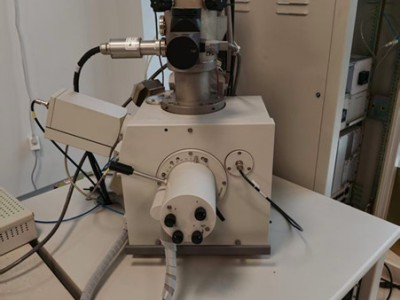
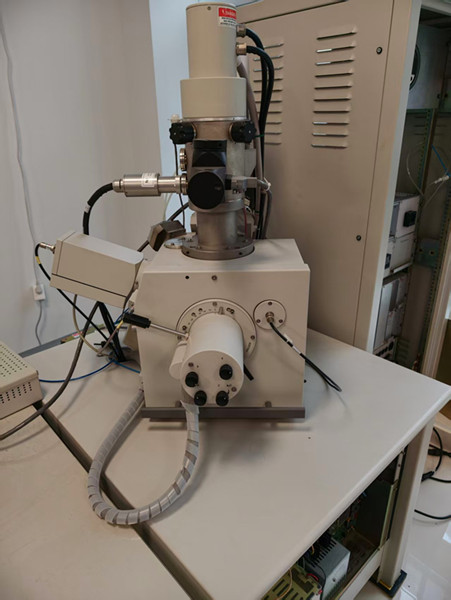
貨物類號:FEI FIB200
貨物庫存:本商品現貨庫存19PCS
貨物貨期:到中國190工作日,全球DHL送達80-120工作日。
貨物儲存:HK